Let's get your Google Ads live.
We build your Google Ads account for you. Google needs to verify who you are before ads can run, so we need a few things from you. Scroll through, grab each one, and send it all to us on WhatsApp. Takes about 5 minutes.

Your business details
These go straight into your Google Ads account and your payments profile, so they need to match your official records exactly.
- Legal business name, as it appears on your ABN
- Trading name, if it's different
- ABN
- Business address
- Website
- Best email for your Google account

Photo ID for the account owner
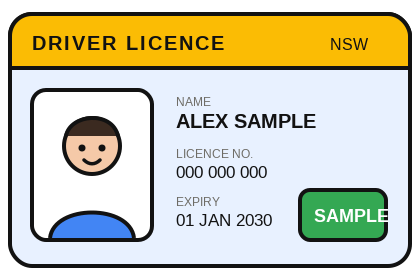
Google's advertiser verification asks for ID from the person who owns the business. A driver's licence is easiest. A passport works too.
- Clear photo of the front of your driver's licence
- All four corners in the shot, no glare, nothing cut off
- The name has to match the business owner or director
Business registration document
This proves the business is real and that the name matches. Send it as a PDF or a clear photo.
- ABN registration printout from abr.business.gov.au, or
- ASIC company registration certificate (for Pty Ltd companies)
- The legal name and address must match Step 01
Tip: search your ABN on abr.business.gov.au, then save the page as a PDF. That's usually all Google needs.

A card for your ad spend
Your ad spend is charged by Google straight to your card. It's never paid through us, and you can see every charge in your own billing.
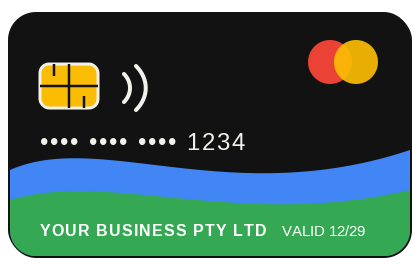
- A Visa or Mastercard in the business name
- Cardholder name to match the business or owner
- Billing address for the card
For your security, please don't send full card numbers on WhatsApp. We'll send you a secure Google billing link and you add the card yourself in about a minute.
Send it all to us on WhatsApp
Pop the photos, the PDF and your business details into one WhatsApp chat. We'll set up your account, run Google's verification, and send you the billing link for your card. Most accounts are live the same day.
Your documents are only used to set up and verify your Google Ads account.